
QR Reader X
An ad-free QR and barcode scanner and generator. No network permission — it works entirely offline.
Screenshots
Phone
Tablet
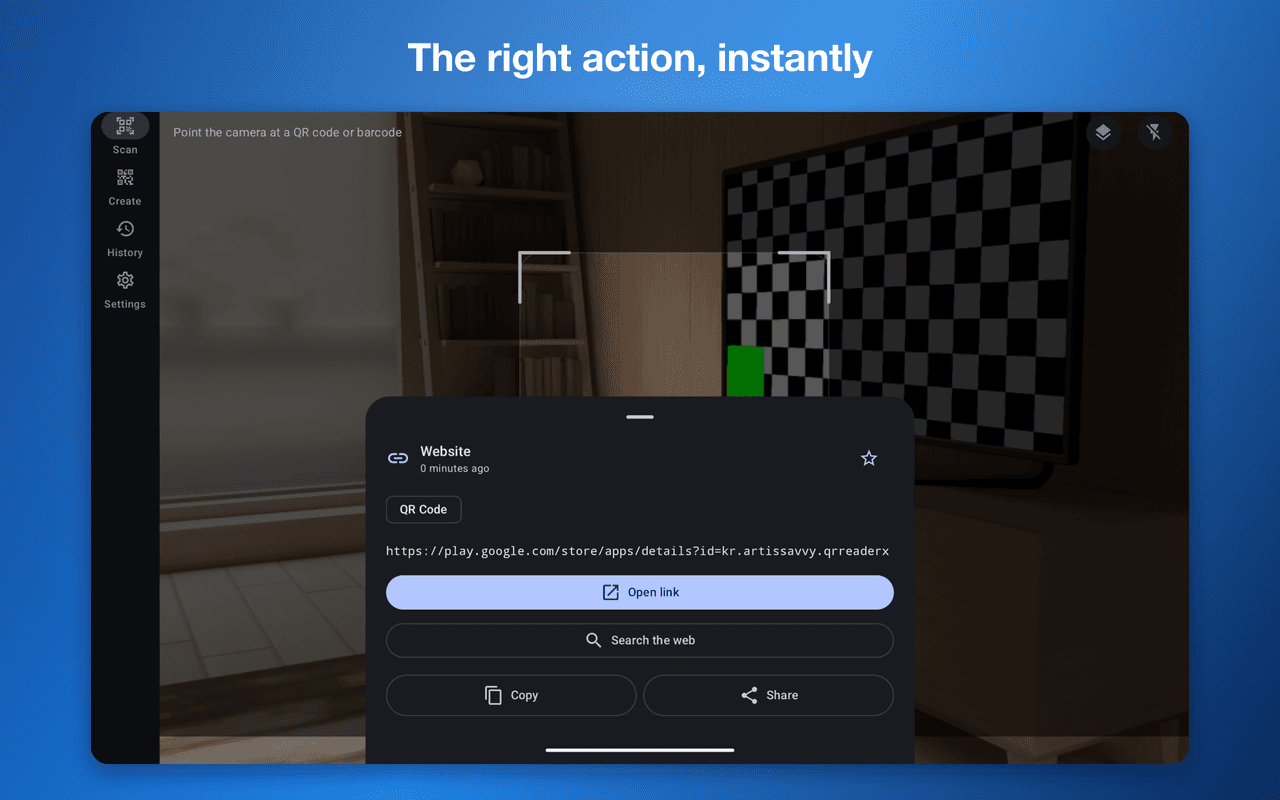
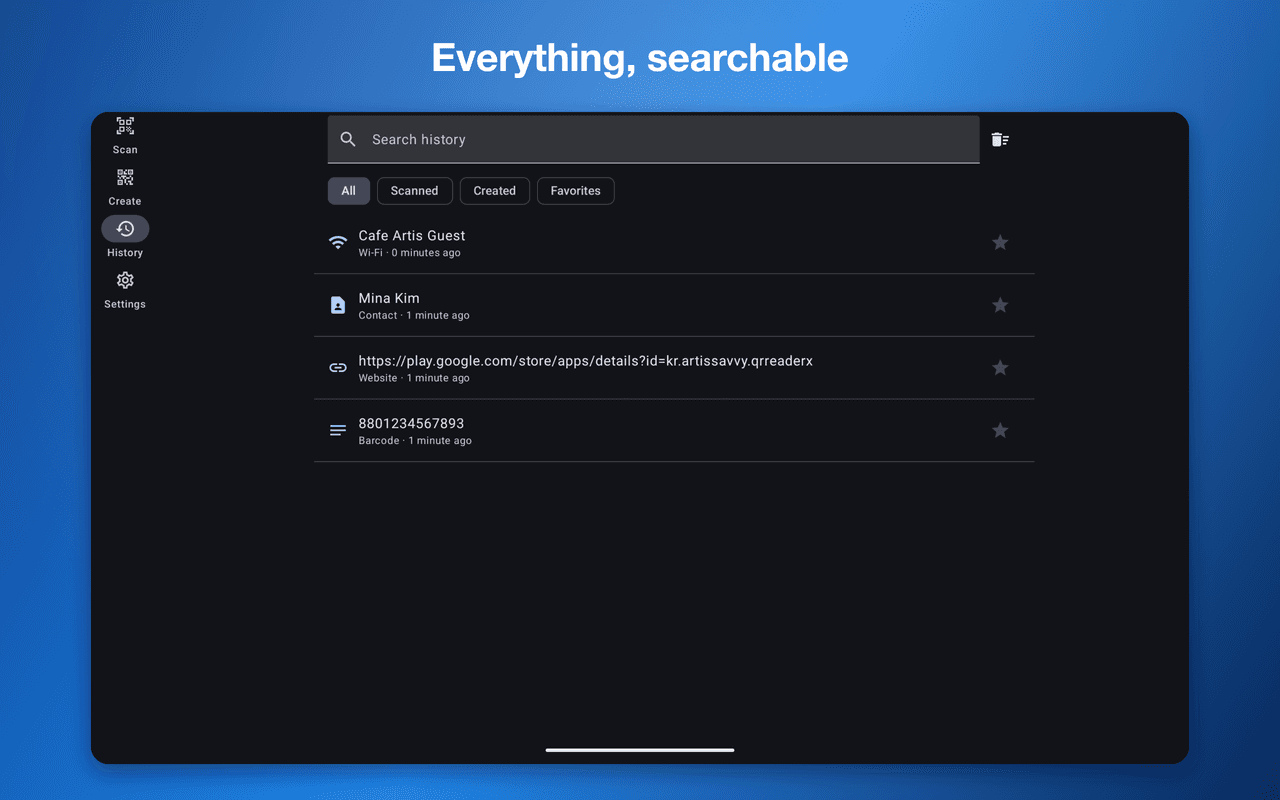
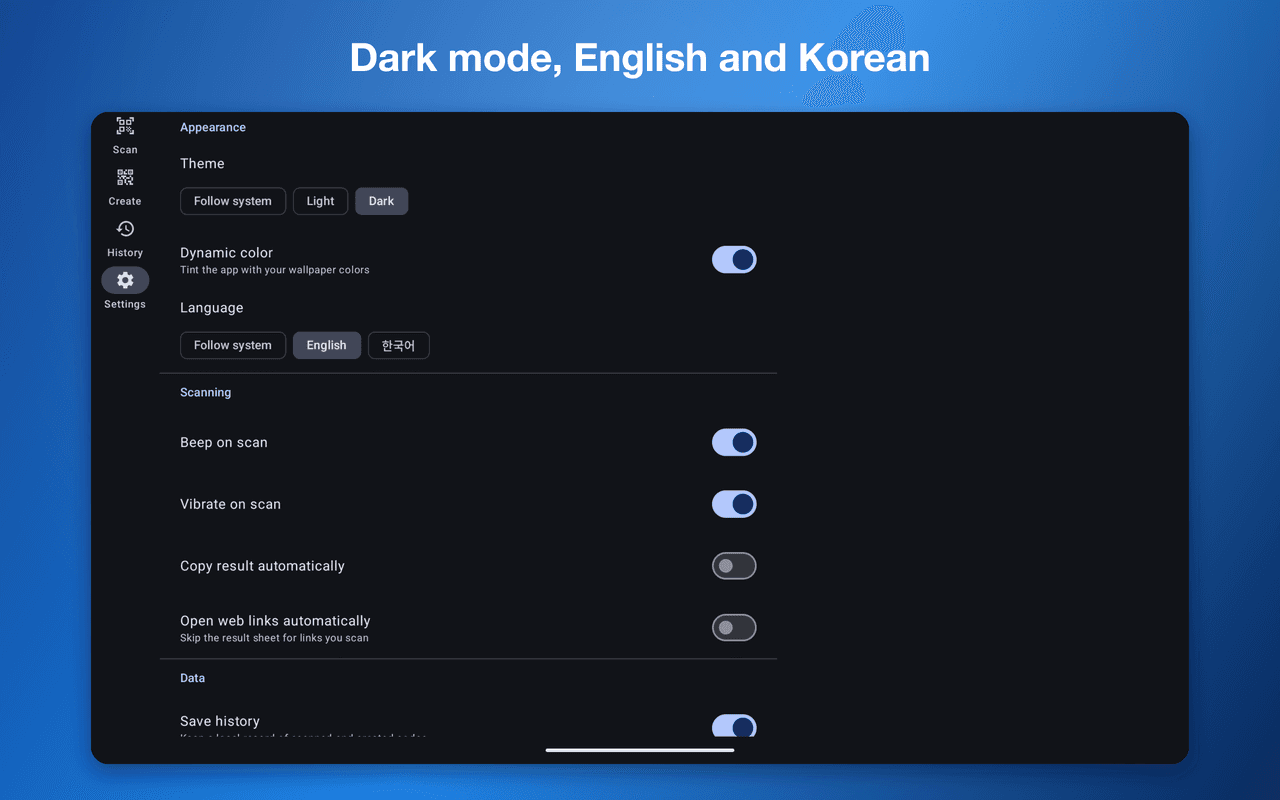
QR Reader X reads and creates QR codes and barcodes.
The app does not declare the INTERNET permission. There is structurally no path for scanned content to leave your device. No ads, no analytics, no accounts.
Reading
Recognises 13 symbologies: four 2D formats (QR Code, Data Matrix, Aztec, PDF417) and nine 1D barcodes (Code 128, Code 39, Code 93, Codabar, EAN-13, EAN-8, UPC-A, UPC-E, ITF).
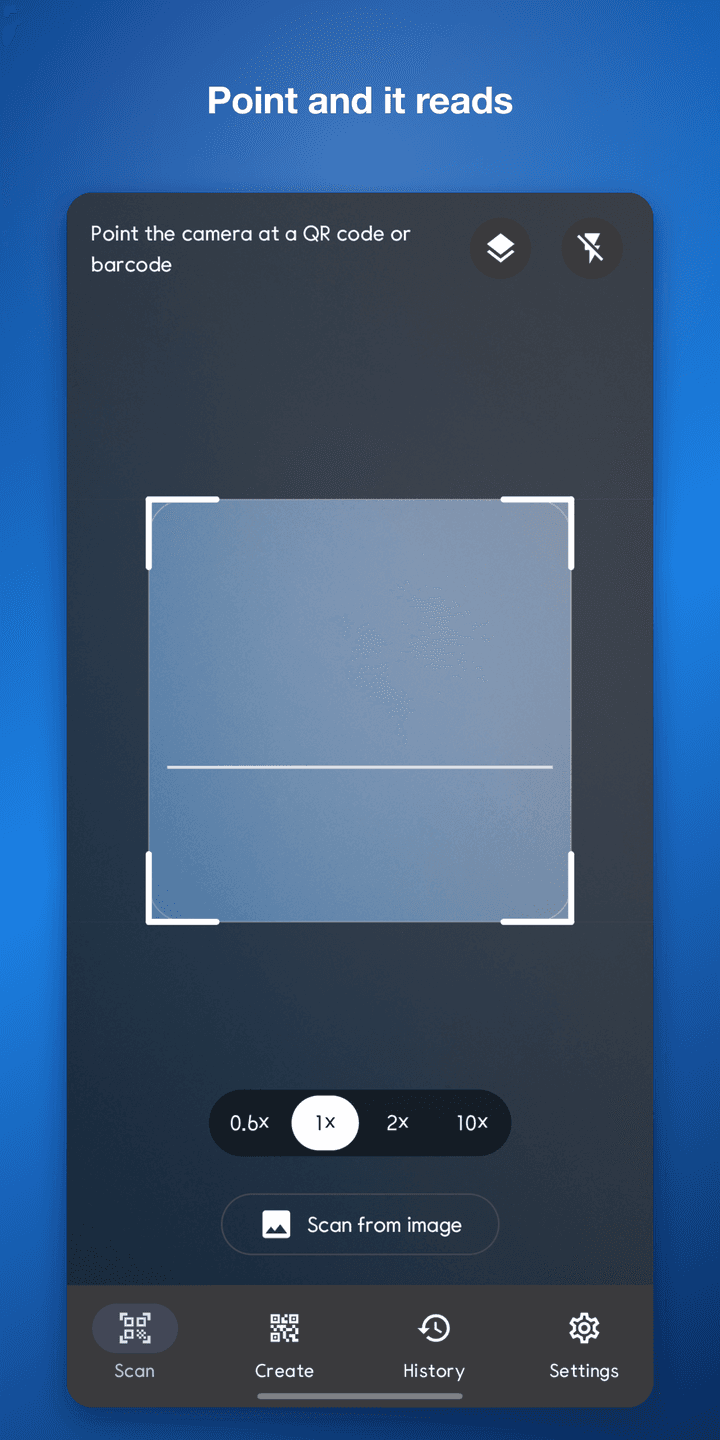
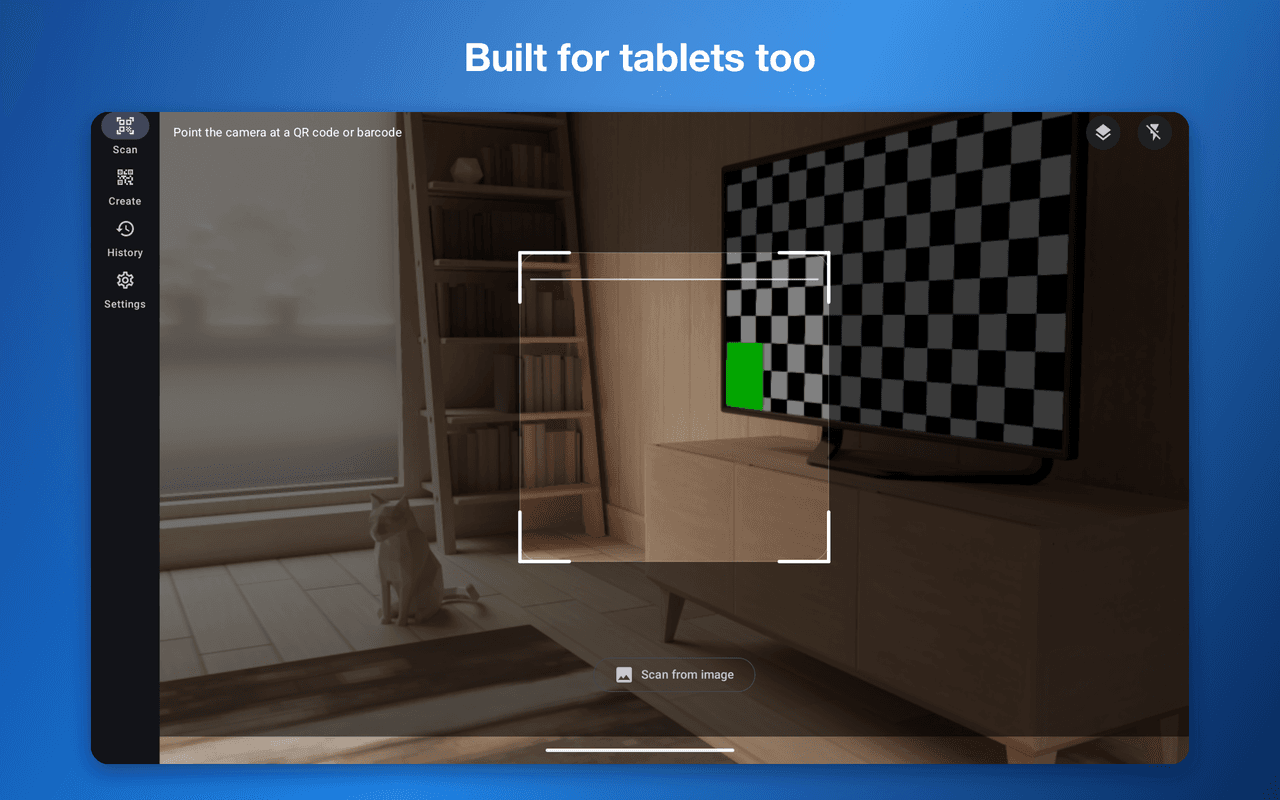
Point the camera and it detects automatically. Use the torch in low light and zoom for distant codes. Batch mode keeps scanning without stopping, and you can also scan codes out of photos or screenshots already in your gallery.
Act on results
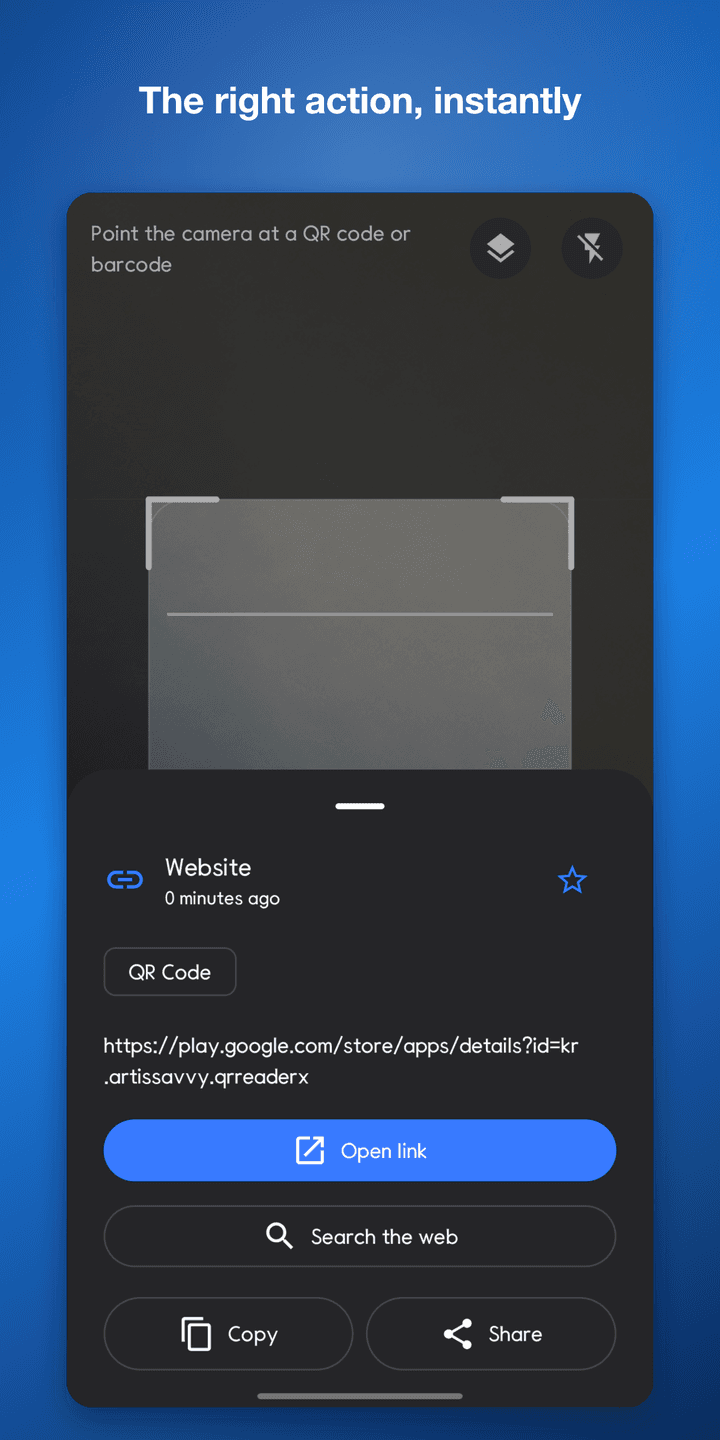
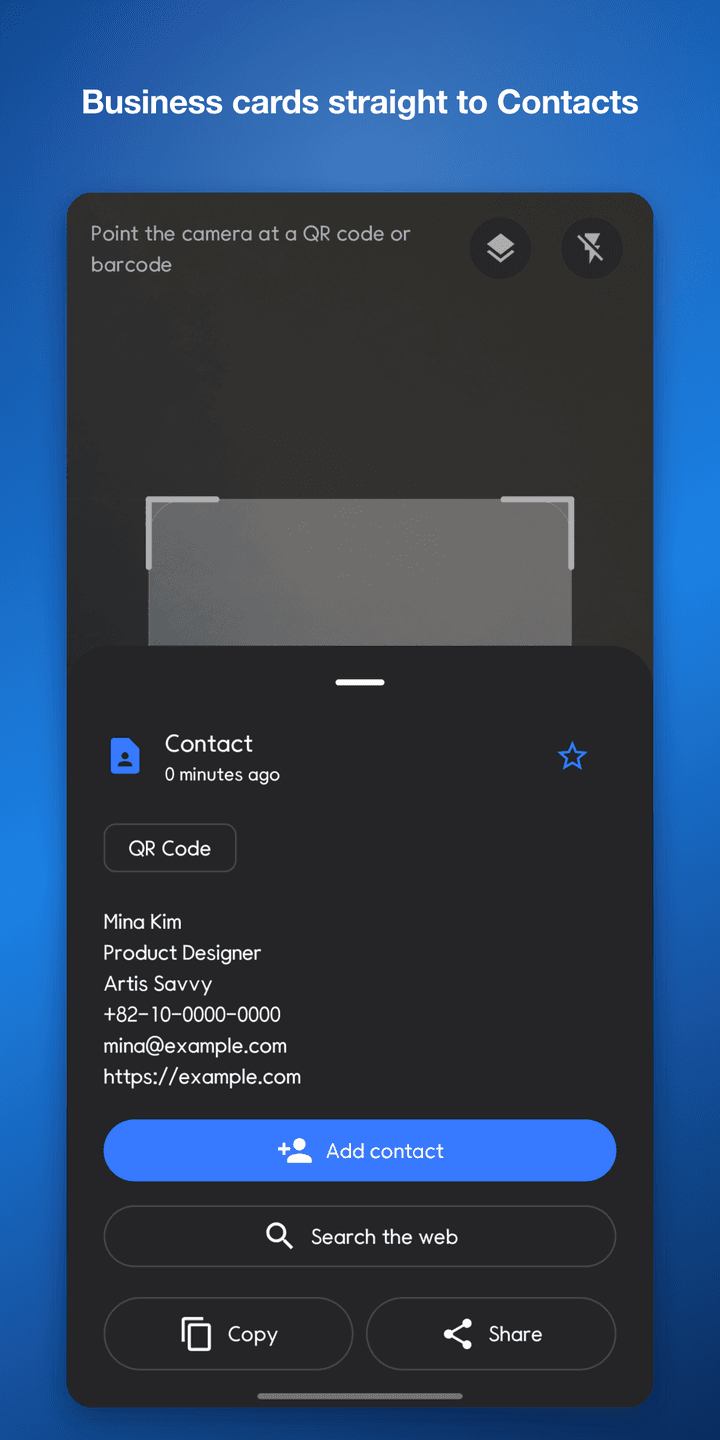
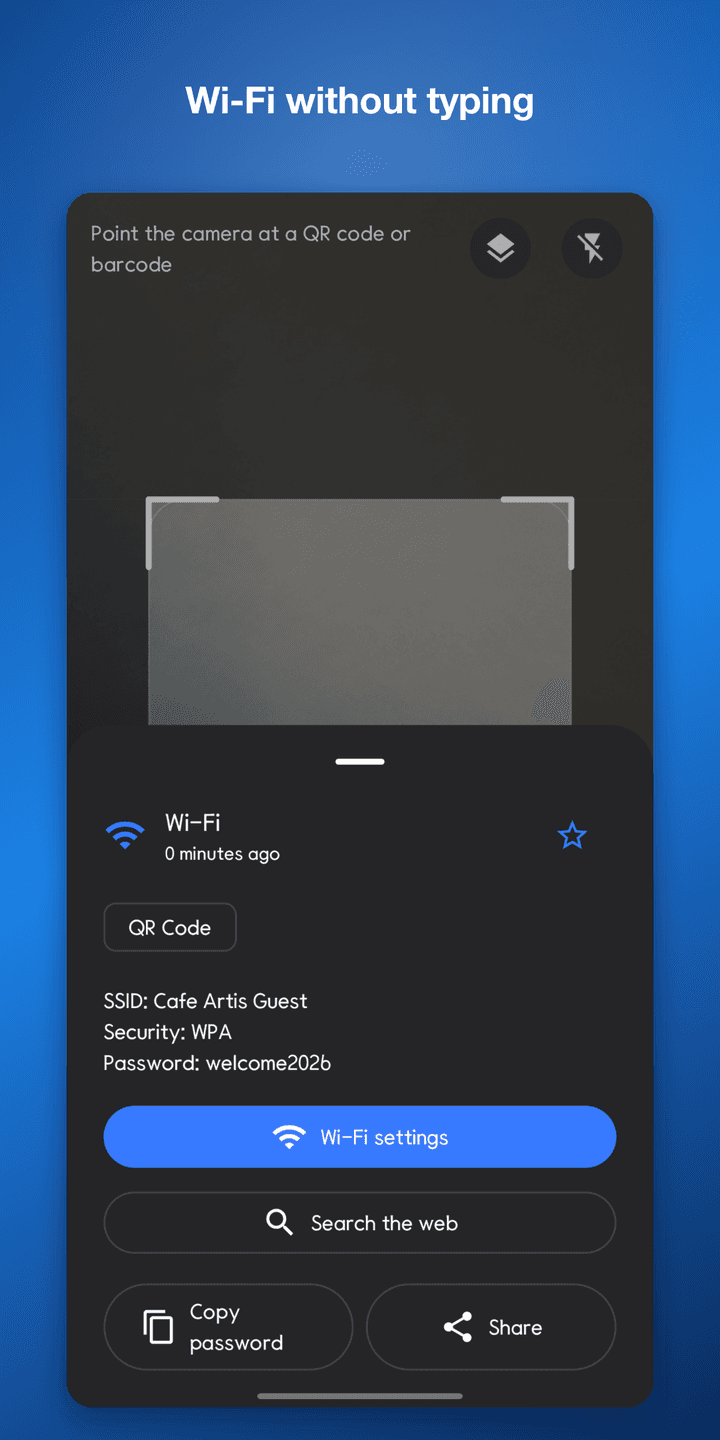
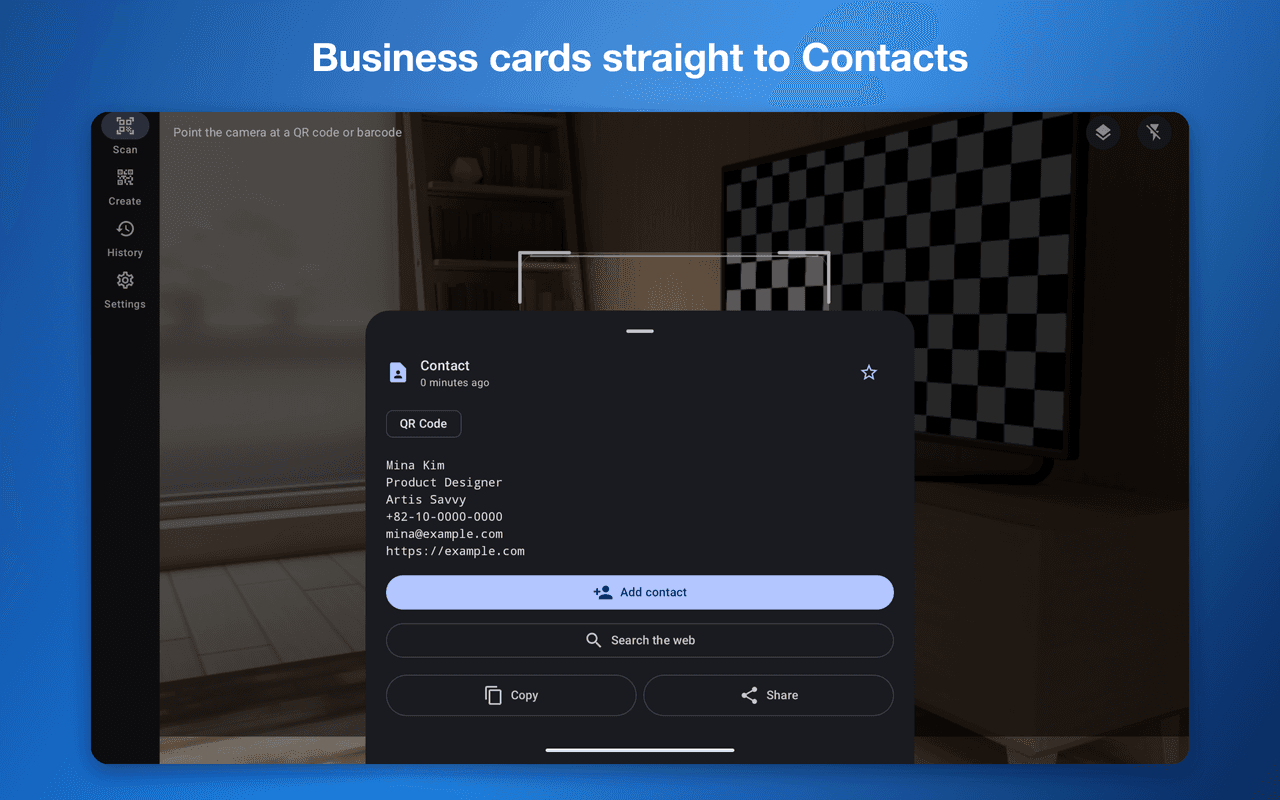
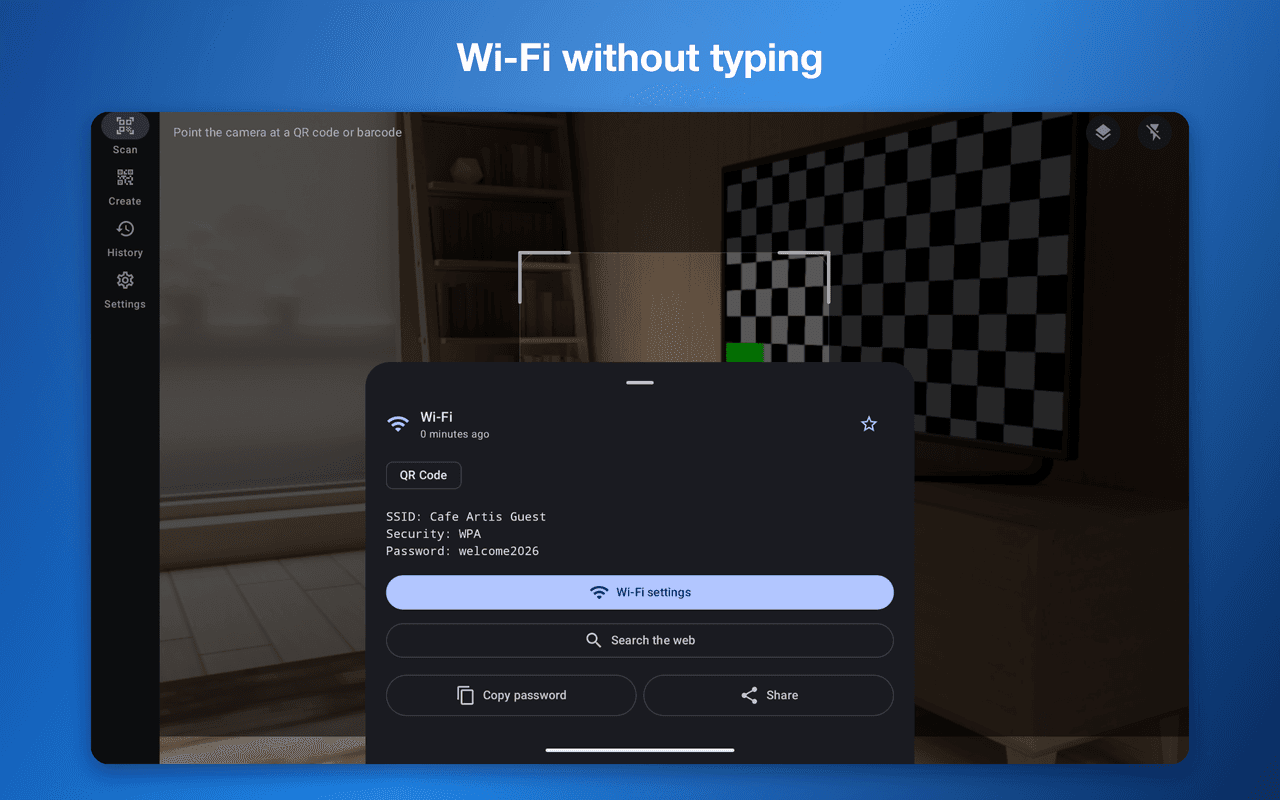
Results are parsed by type — links, Wi-Fi, contacts (vCard/MECARD), email, SMS, phone numbers, locations, calendar events, and plain text.
Matching actions appear immediately: open the link, dial, send an SMS or email, add a contact, open in maps, add to your calendar, open Wi-Fi settings, copy a password. Buttons only appear when an app is installed to handle them.
Creating
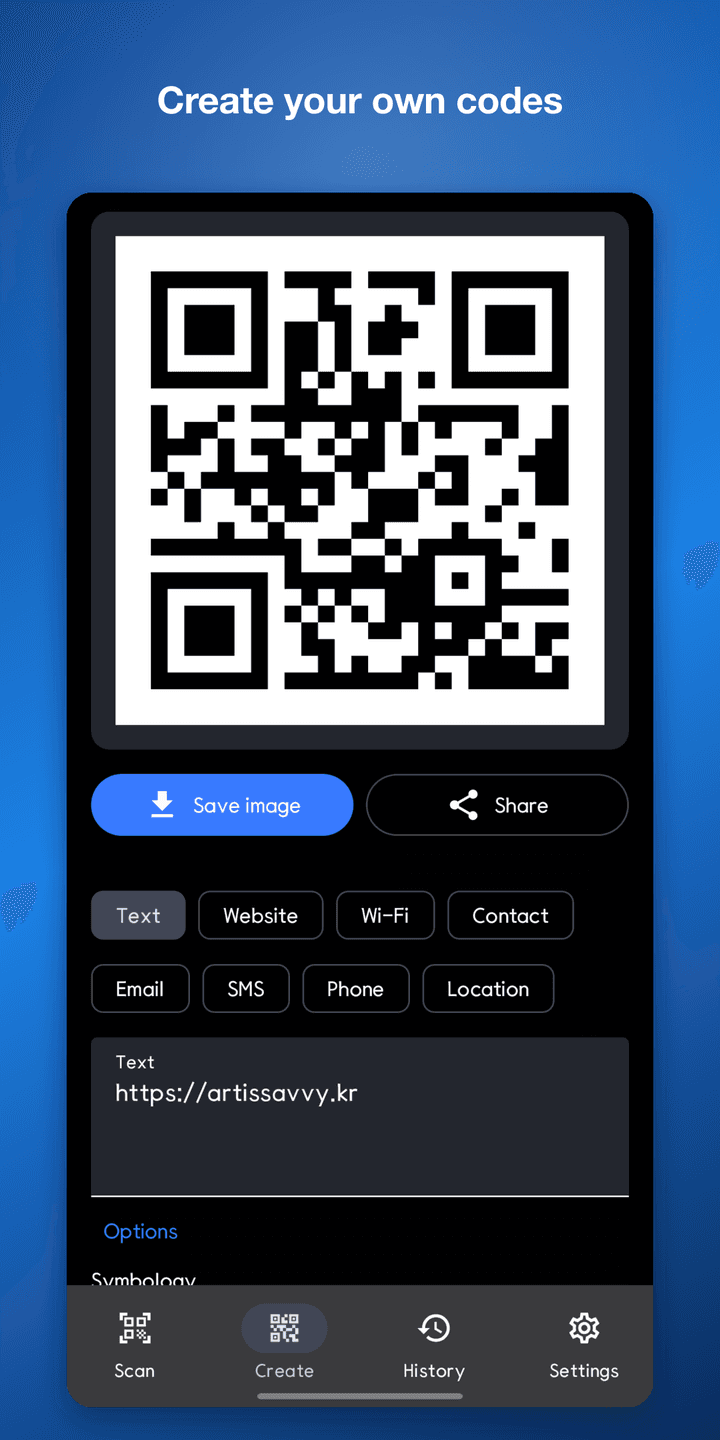
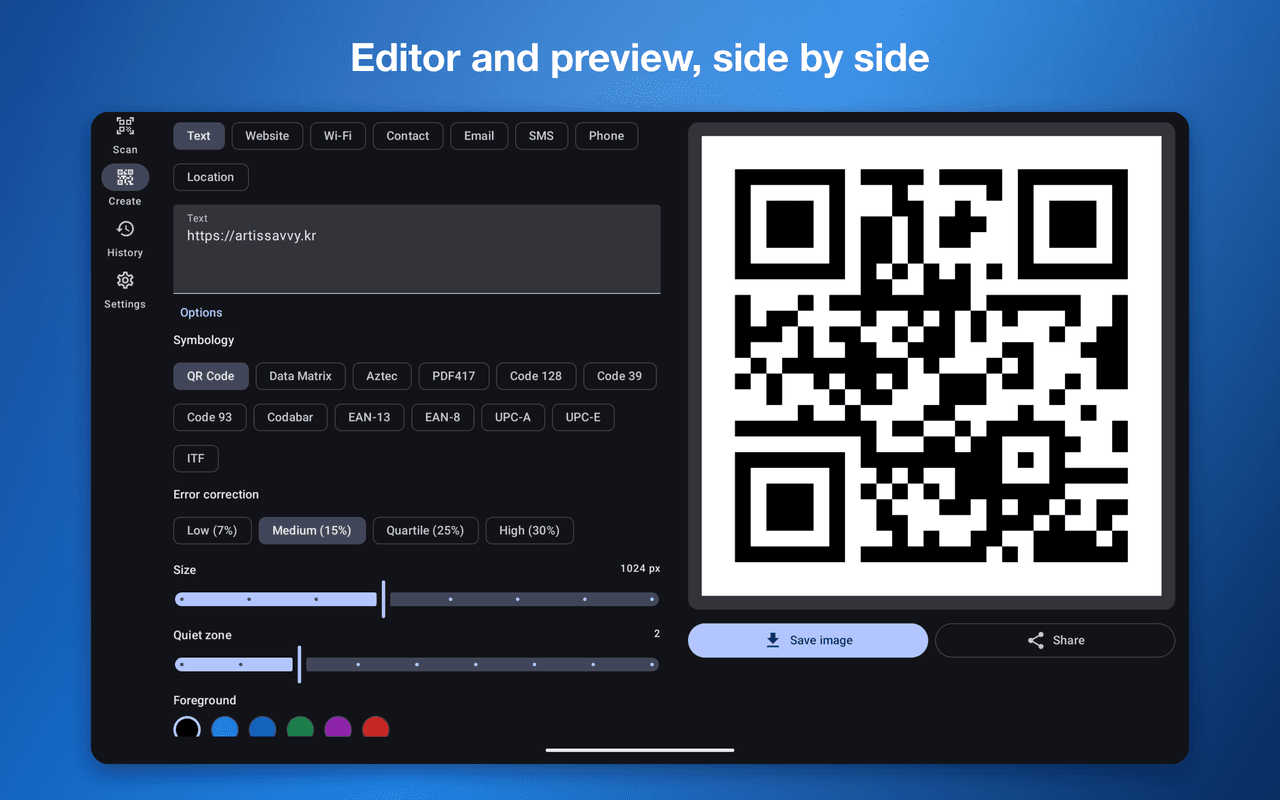
Generate codes for text, links, Wi-Fi, contacts, email, SMS, phone numbers, and locations, with a live preview as you type.
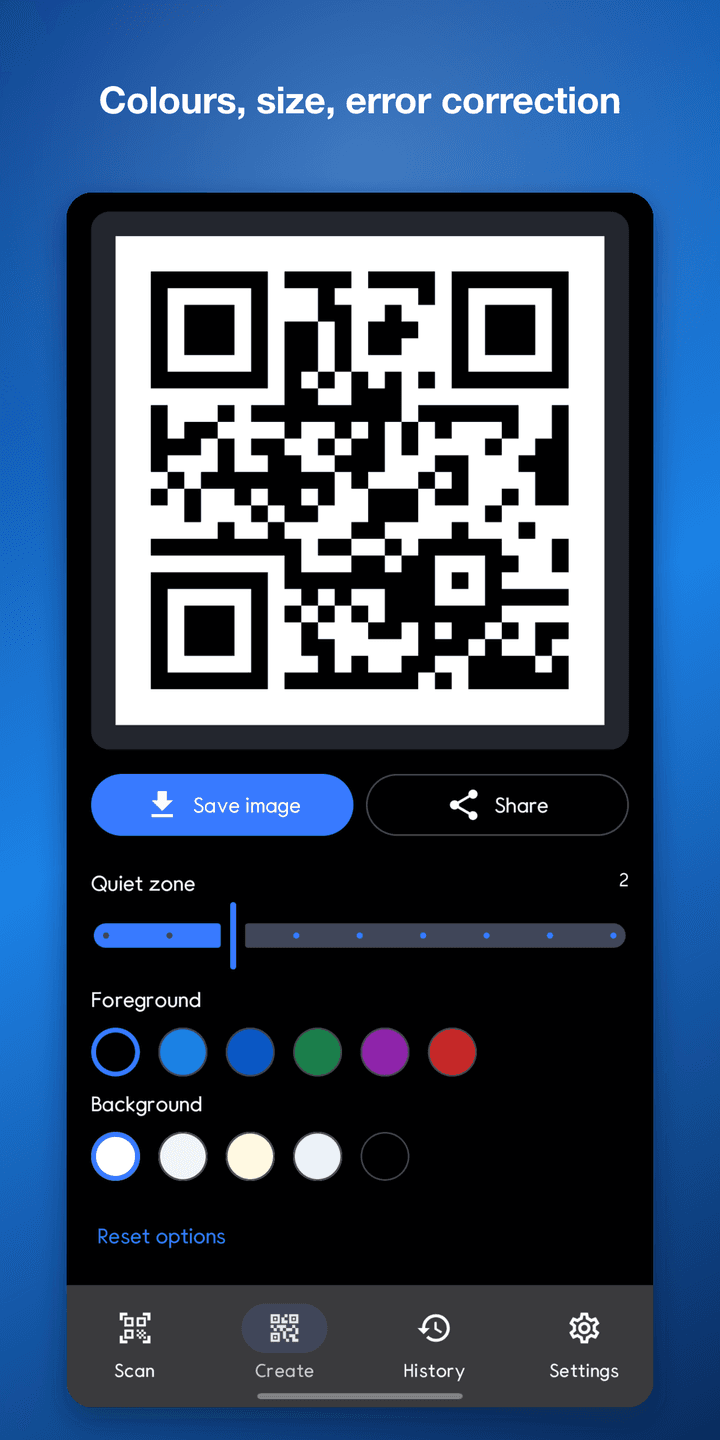
Adjust error correction (7%, 15%, 25%, 30%), size, quiet-zone margin, and foreground and background colours. If contrast is too low to scan reliably, you are warned before saving. Save the result as a PNG to your gallery or share it directly.
Share text from another app and it opens ready to encode.
History
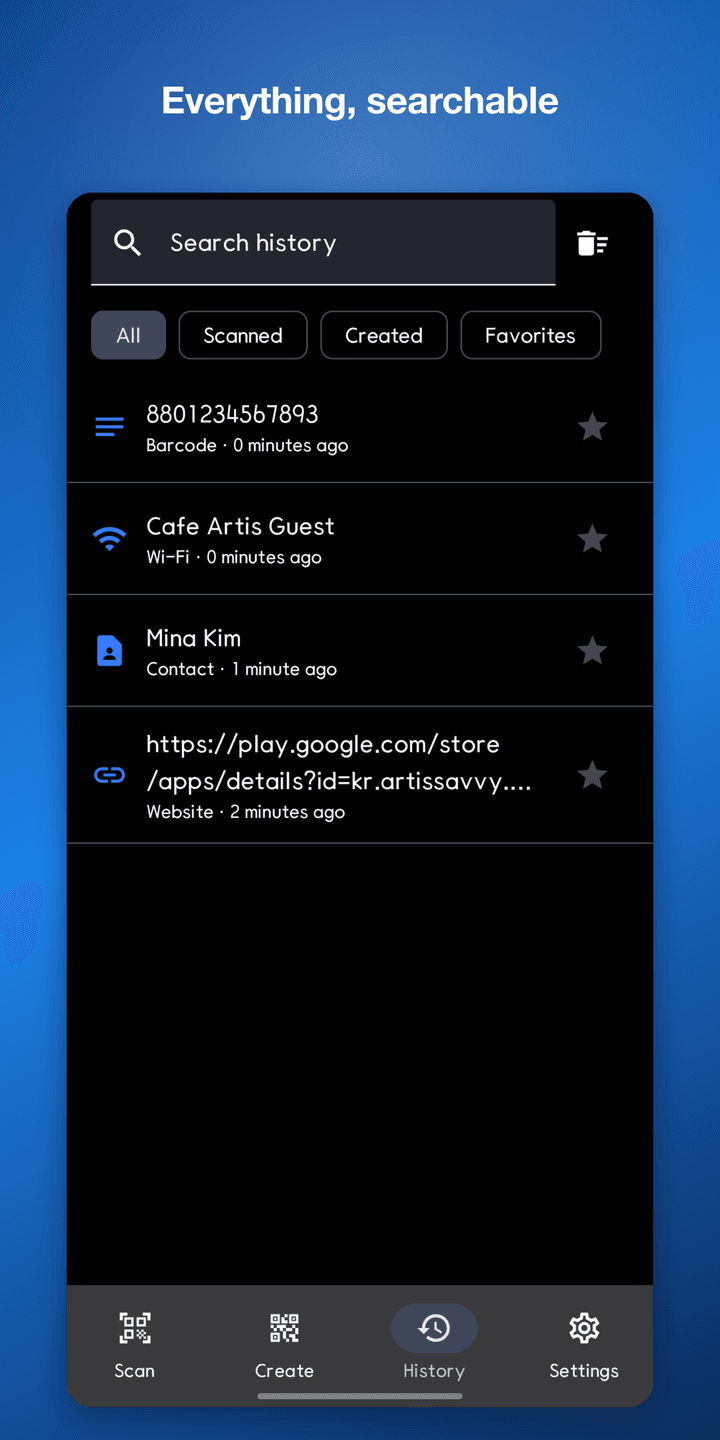
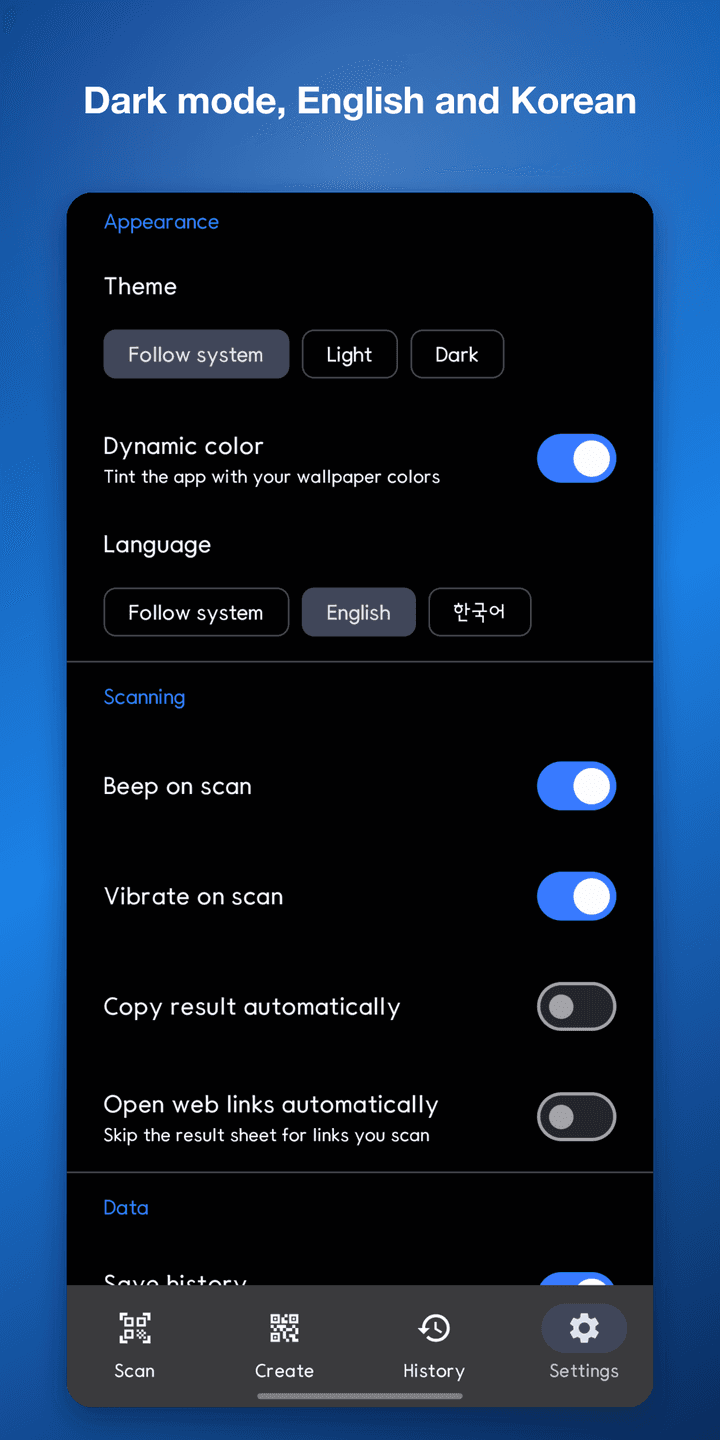
Scanned and created codes are recorded automatically. Search them, filter by all, scanned, created, or favourites, and star the ones you keep. Deleting offers an undo. History can be turned off entirely in settings.
Features
13 symbologies
QR, Data Matrix, Aztec, PDF417, plus nine 1D barcode formats.
Fully offline
No network permission. Scanned content cannot leave the device.
Batch scanning
Keep scanning without stopping, with a running count.
Scan from gallery
Find codes inside saved photos and screenshots.
Typed results
Links, Wi-Fi, contacts, events and more are parsed with matching actions.
Code generation
Set colours, error correction, size and margin, then save as PNG.
History
Search, filter and favourite entries — or turn history off.
No ads
No advertising and no analytics of any kind.
Permissions
What the app requests, and why.
- CAMERA
- Used to detect codes through the viewfinder. Frames are processed on-device and never stored.
- VIBRATE
- Used for haptic confirmation on a successful scan. Can be turned off in settings.
- WRITE_EXTERNAL_STORAGE (Android 9 and below)
- Used to save generated code images to the gallery. Android 10+ uses MediaStore without this permission.
App info
- Package
- kr.artissavvy.qrreaderx
- Version
- 2.0.0
- Minimum Android
- 7.0 (API 24)